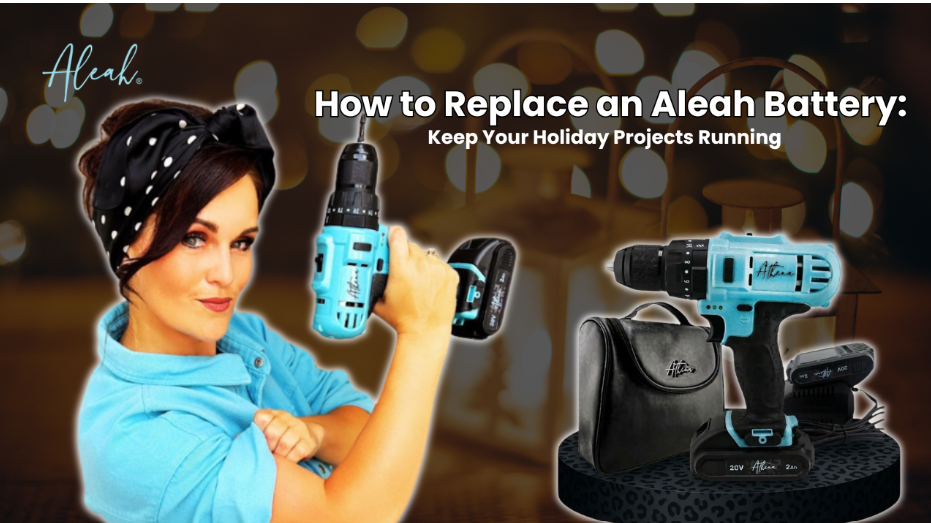
Hey friend, let’s talk about the moment every holiday project seems to hit at least once: your tool dies mid build, right when you finally found your rhythm. I have been there more times than I can count, standing in the middle of a half finished wreath hanger wondering if the whole project is doomed. Good news, it is not. Most of the time, it just means your battery needs a quick swap, and I promise this is easier than it sounds. If you want to watch me walk through it in real time, check out our full breakdown on how to replace an Aleah battery. It takes just a couple of minutes, and once you have done it once, you will never think twice about it again.
This season, I want your projects to keep moving, not stall out because of something this simple. So grab a coffee, take a breath, and let’s get your tool back up and running together.
Why Batteries Tend to Die at the Worst Time
Here is the truth nobody tells you: it is never really the worst time, it just feels that way because you are mid project. Batteries drain faster during heavy holiday use, especially if you are knocking out several builds back to back, like a wreath hanger one day and an ornament stand the next. Cold garages and chilly porches speed this up even more, since low temperatures naturally reduce battery output. None of this means your tool is broken. It almost always just means it is time for a fresh charge or a fresh battery.
You’ve got this. This is a completely normal part of the process, not a setback.
What You Will Need
- A fresh or fully charged Aleah battery
- A clean, dry surface to work on
- A soft cloth for wiping down the contacts
- Two minutes of your time, seriously, that is all this takes
Step by Step: Replacing Your Aleah Battery
Step One: Power down your tool. Before touching anything, make sure your gxis switched off. This keeps things safe and simple.
Step Two: Locate the release button. Most Aleah tools have a clearly marked release button right where the battery meets the handle. Give it a look, you will spot it quickly.
Step Three: Slide the old battery out. Press the release and gently slide the battery free. No wiggling or force needed, it should glide right out.
Step Four: Check the contacts. Take a quick look at the metal contacts on both the tool and the battery. If you see any dust or residue, a soft cloth wipe clears it right up.
Step Five: Slide the new battery in. Line it up with the guide rails and slide it forward until you hear or feel a confident click.
Step Six: Power on and test. Switch your tool back on and give the trigger a light squeeze. If it responds smoothly, you are back in business.
See how simple that was? Six steps, two minutes, and your project is moving forward again.
Troubleshooting a Sluggish Battery
Every now and then a battery seems fine but performs a little sluggish. Here is what usually helps.
- Let it fully charge before your next project. A partial charge can feel like enough at first, then fade fast under real use.
- Store batteries at room temperature. Extreme cold or heat between projects shortens their performance window.
- Rotate between two batteries if you own a spare. This keeps one always ready while the other charges, which is a total game changer during a busy crafting weekend.
Keeping Your Holiday Projects Stress Free
The whole point of a quick fix like this is to protect your momentum. Nothing kills creative energy faster than an unexpected stop, so building a small habit around your battery care keeps that energy flowing all season long. Charge your battery the night before a big project. Keep a spare on hand if you are tackling more than one build in a weekend. And remind yourself that a battery swap is not a setback, it is just part of the rhythm of building something great.
Confidence is built one smooth fix at a time, and you are already ahead of the game.
If you want more quick tips like this one, our growing library of guides, including our full walkthrough on Aleah battery care and replacement, is always here to help you troubleshoot fast and get back to building.
Ready for What Comes Next
Once your battery is swapped and your project is humming along again, you might find yourself eyeing a few more upgrades around the house. If that creative itch is calling, our roundup of easy DIY upgrades is packed with simple, approachable projects that keep that same momentum going well beyond the holidays.
Final Thought
A dead battery is never the end of your project, it is just a two minute pause before you pick right back up where you left off. You know the steps now, you have the confidence, and your Aleah tool is ready whenever you are. Go finish that build, friend. You’ve got this!